Aurum Bindery — 3D Book Maker
A downloadable tool for Windows
3D page-flip books you can make by hand, or have an AI agent build for you.
Aurum Bindery turns your text and images into a 3D book that turns its pages, then exports it for your projects. Work in the desktop editor, or let an AI agent build books through the command line.
Make it by hand
- Chapter editor: add, remove and reorder chapters, and turn the pages in a live 3D preview.
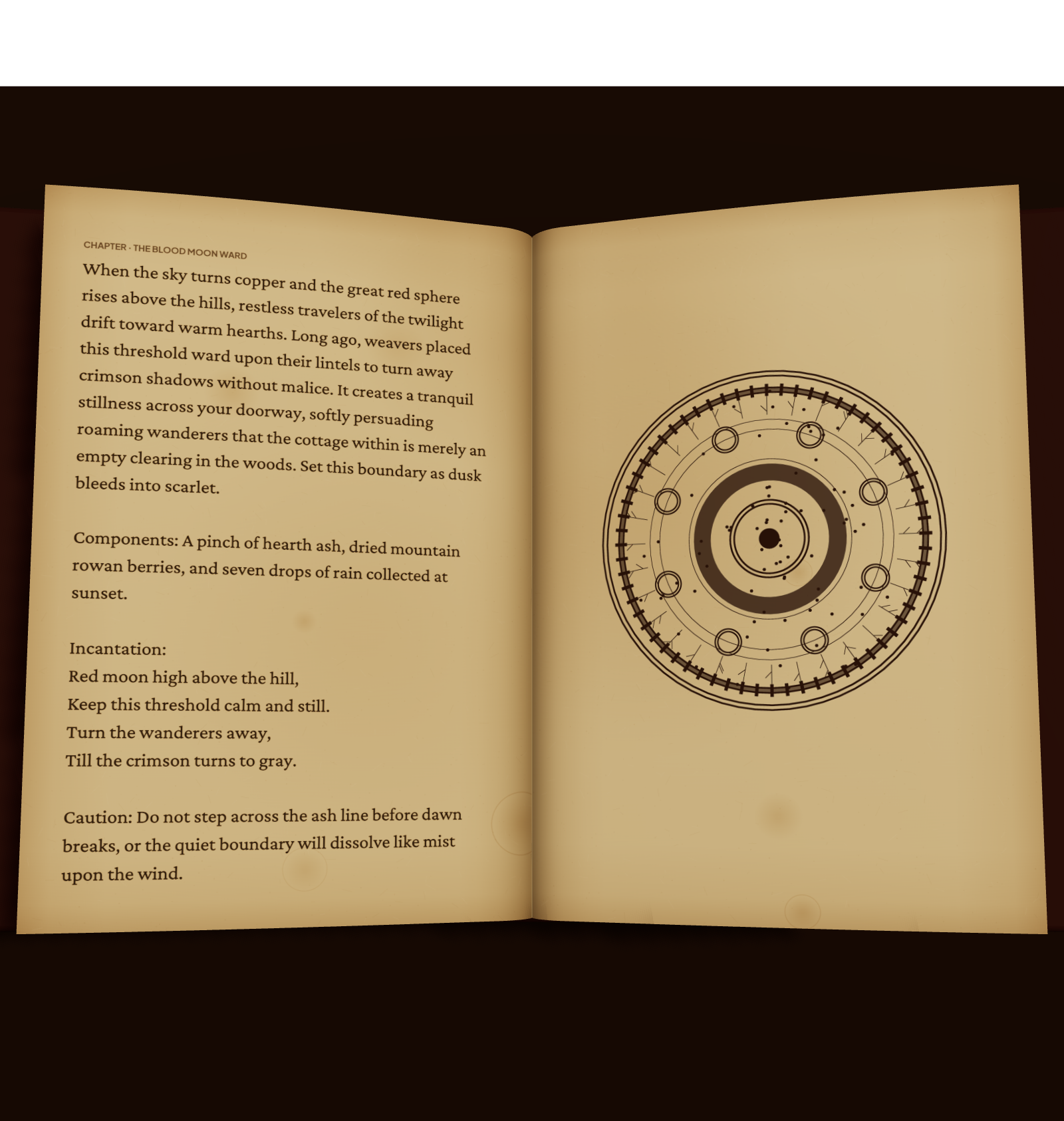
- Illustrations that avoid the text: by default an image pushes the text aside, leaving the lines under it blank, so nothing is covered.
- Covers and binding: book size, cloth colour, leather finish and gilt accents, or your own front, back and spine images.
- Paper: paper colour, an aged parchment look, roughness, stiffness and thickness.
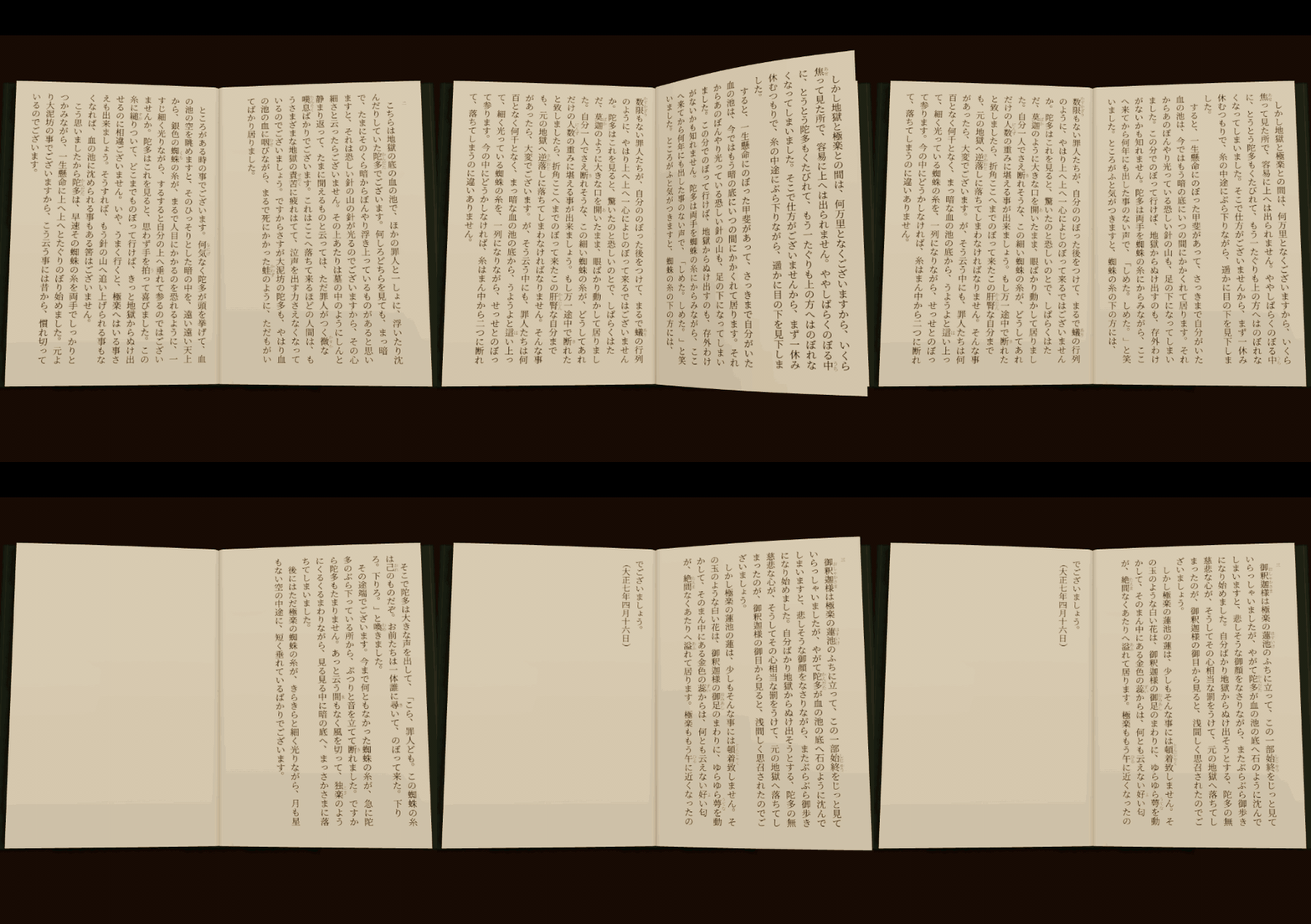
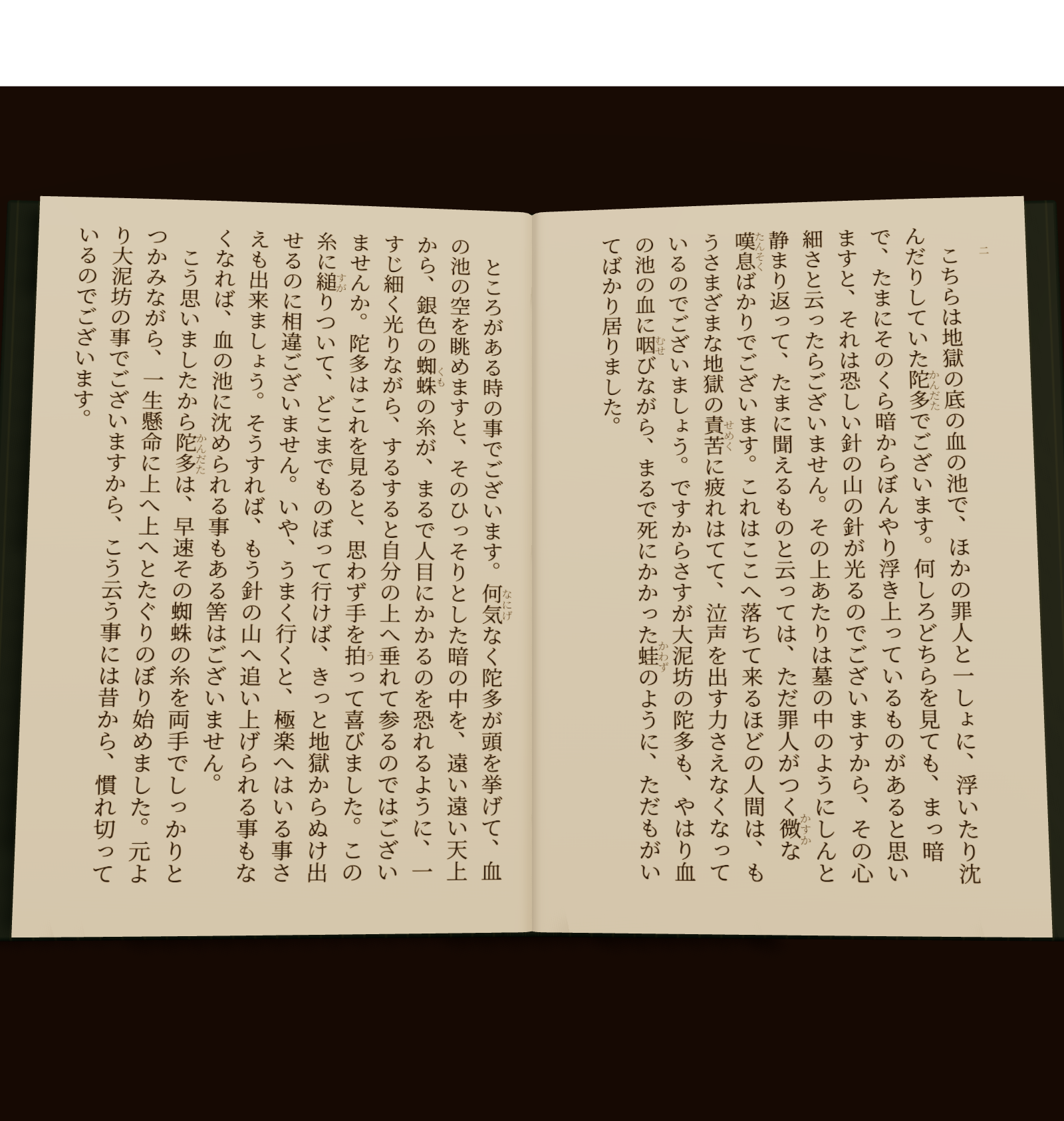
- Typography: body font, size and leading; horizontal text, or vertical Japanese text with ruby and emphasis dots.
Or let an AI agent build it
- The
binderycommand line (incli/): create a book, add chapters and images, set the cover, check the layout, export. - SKILL.md included: an instruction file AI coding agents read to learn the workflow.
- No screen needed: the CLI reports the page layout as numbers.
checkcatches images over text and cut-off text;fixpushes the text aside. - Machine-readable:
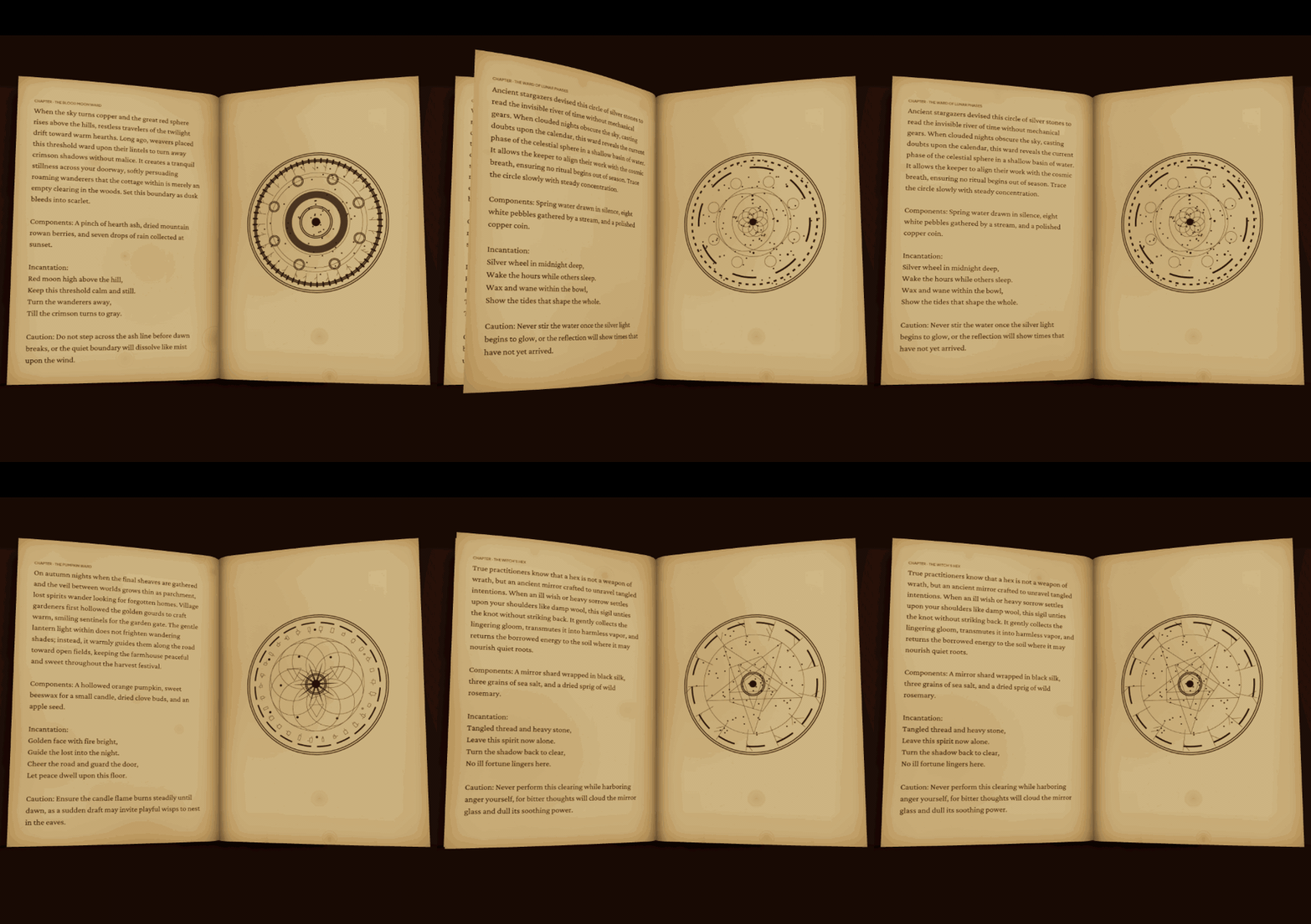
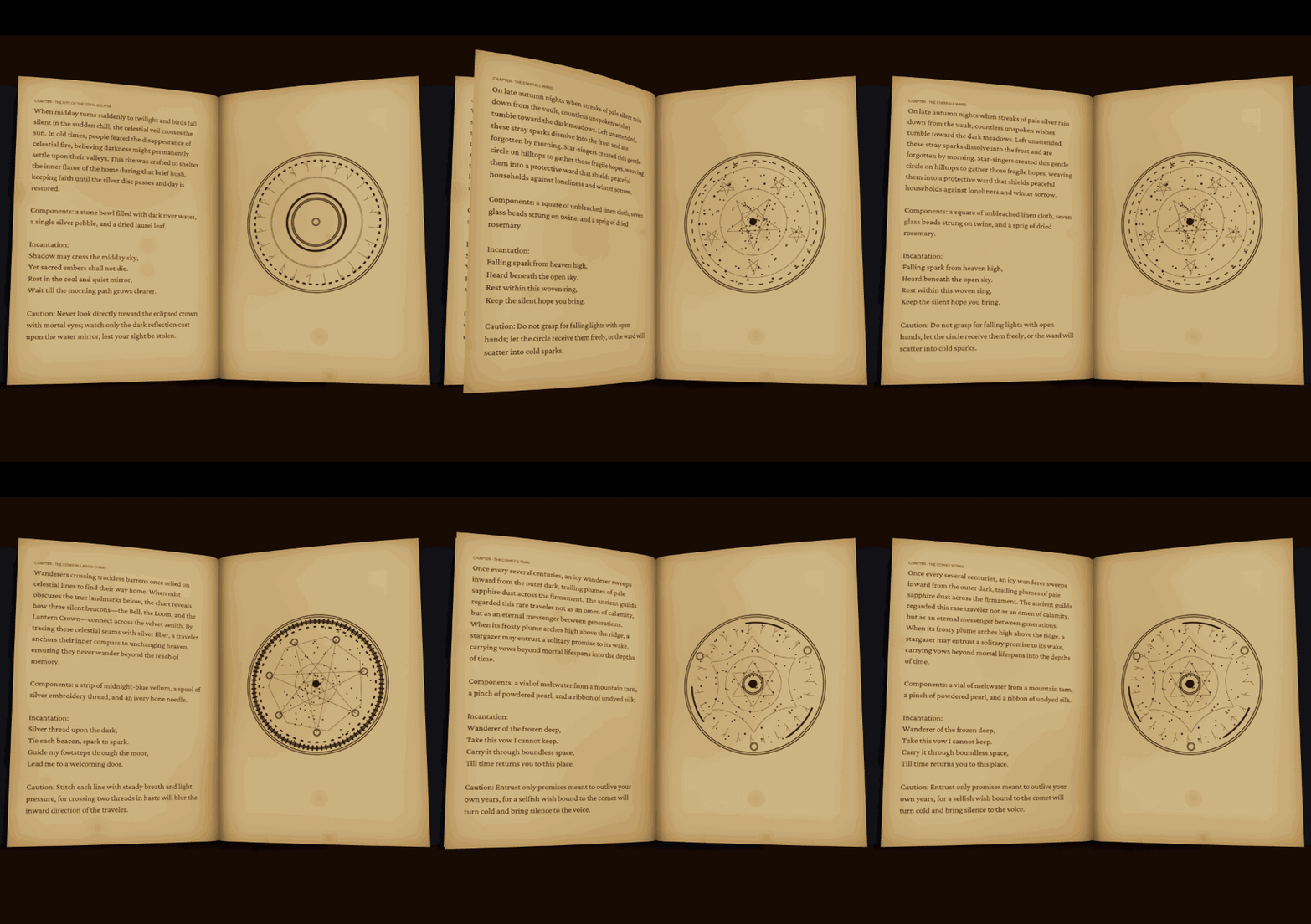
--jsonon any command. Exports run the same app as the editor, in a hidden browser. - The sample grimoires in the GIFs on this page were built entirely through the command line.
Export
- GLB: two static models, the closed book and the open book, as plain .glb (we import them into Blender).
- PNG: the 3D preview at 2x screen resolution, up to 4096 px.
- GIF: a looping page-flip animation (up to 640 px), up to 3 page turns.
- MP4: the same page turns as 30 fps H.264 video (up to 1280 px; size follows the preview window).
- EPUB: an e-book of the same text.
- Project file (
.3dbookproj) to keep editing.
Use what you make
Books you make are yours. Use, sell and distribute your exported models, images, animations and EPUBs in any project, commercial or not (games, VRChat worlds, videos, websites). No credit required. Rights to the text and images you put in stay with their owners. The app and the CLI are for your own use and may not be redistributed.
Requirements
- Windows 10 or 11 (64-bit).
- The installer is not code-signed, so SmartScreen may warn you: click "More info", then "Run anyway".
- Fonts load from Google Fonts, so the intended typefaces need an internet connection.
- The command line requires Node.js (22.12 or newer) and Microsoft Edge or Google Chrome.
- One-time purchase. No account or subscription.
What's in the download
- Windows installer (
setup.exe) cli/(the command line, with everything it needs except Node.js and a browser)SKILL.mdfor AI agentsREADME.txtLICENSE.txt,THIRD_PARTY_NOTICES.txtexamples/: a public-domain Japanese short story (vertical text) to try the CLI
Purchase
In order to download this tool you must purchase it at or above the minimum price of $14.99 USD. You will get access to the following files:
Development log
Leave a comment
Log in with itch.io to leave a comment.